

Field guide02 / Toolkit

Build privacy in layers, not extensions.

The most resilient setup is not a folder full of security apps. It is a small set of understandable defaults—each reducing a different kind of exposure, each recoverable when a device is lost.

  • No perfect-product claims
  • Low-maintenance defaults
  • Recovery built in
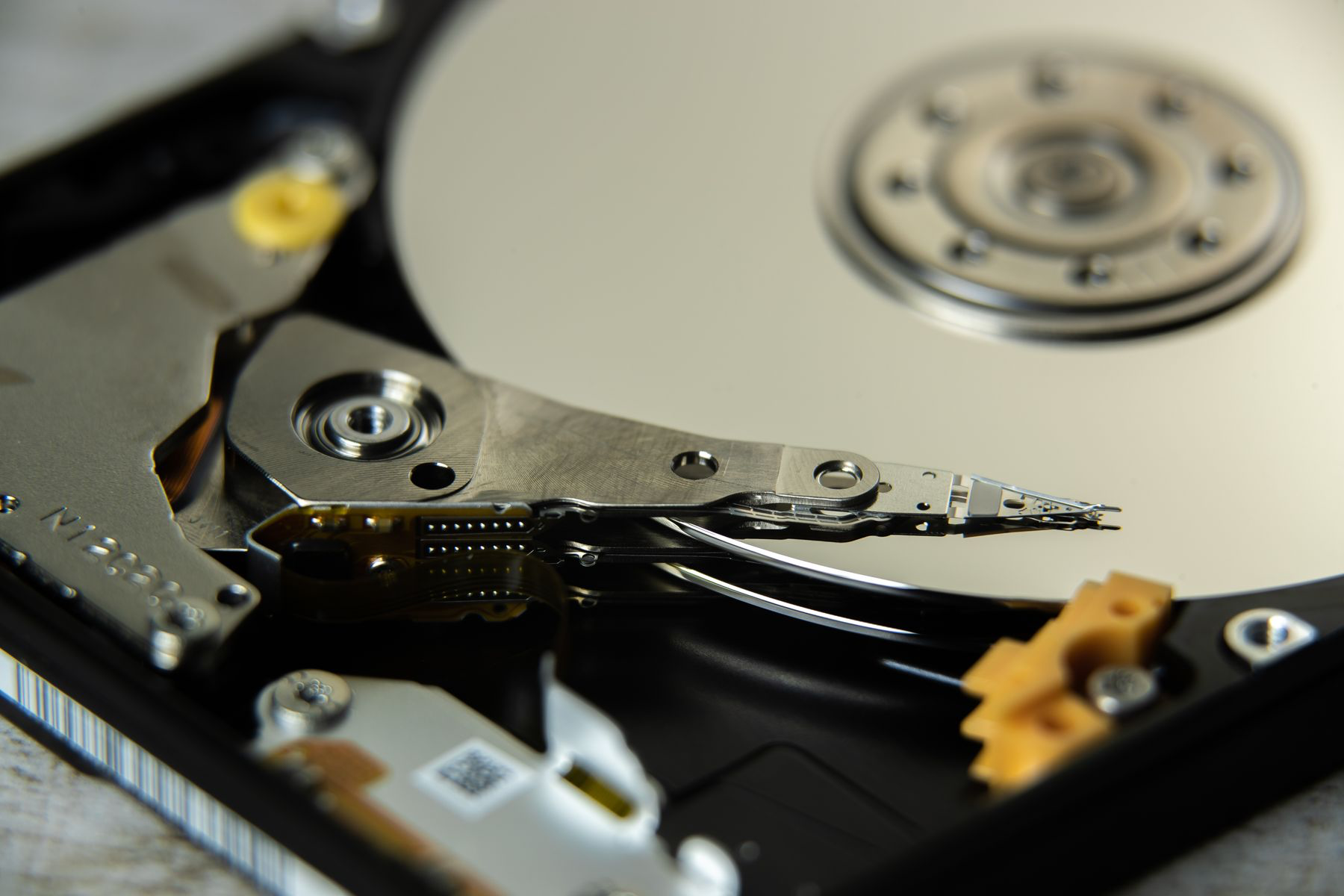
The precision platter and read arm inside a data storage drive
DEVICE NOTE / 02Smaller stack. Clearer purpose.
00Before tools

Data minimization

The cleanest data trail is the one you never create.

Before installing anything, remove unused accounts, revoke old app access, turn off unnecessary history, and stop granting optional permissions. This reduces risk at the source instead of asking another company to manage it.

See the reset sequence
Collect lessShare lessRetain lessRecover safely
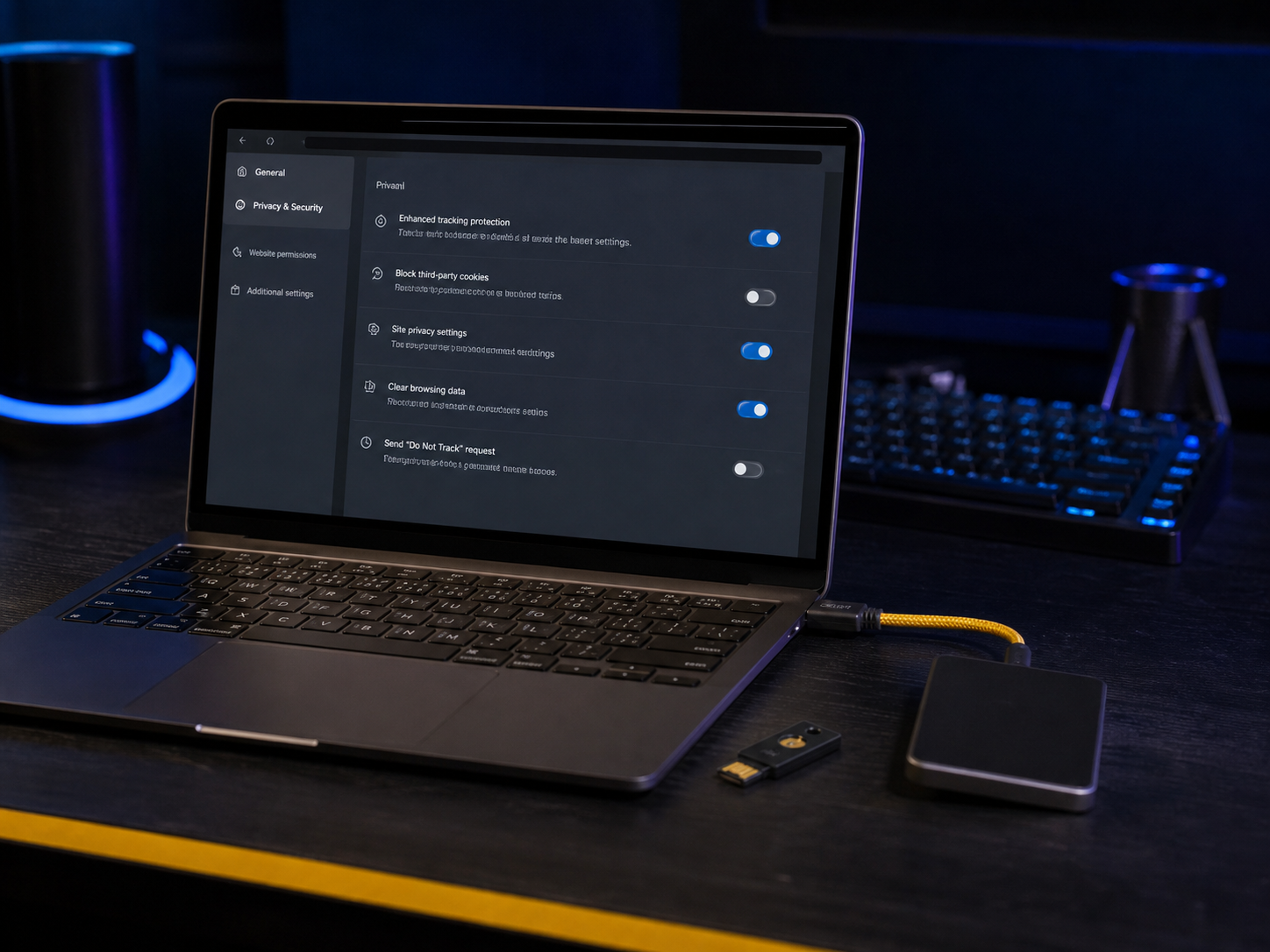
A laptop showing practical browser privacy controls beside a security key
01 / BrowserReduce tracking at the surface you use every day.
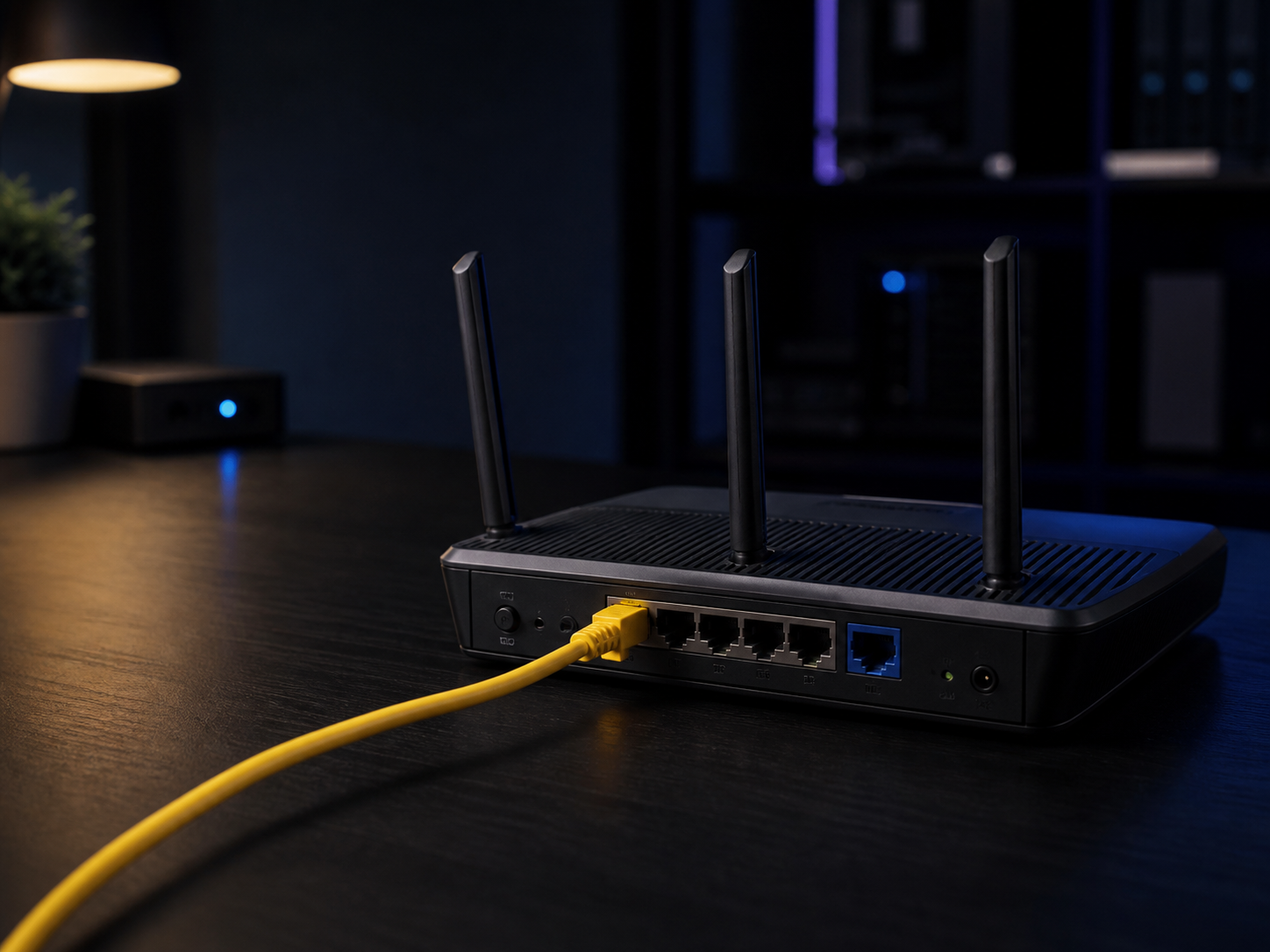
A home router connected by a clear yellow network cable
02 / NetworkKnow what each layer can and cannot change.
A close real photograph of storage drive bays in a network attached storage unit
Storage / recoverablePrivacy that cannot survive device loss is fragile by design.

Quiet infrastructureBackup layer

Private systems still need recoverable storage.

Encryption limits who can read a backup. Redundancy and restore testing determine whether that backup will help when a device disappears or a drive fails.

01

Keep two copiesUse different media or locations for important files.

02

Protect the keyStore recovery material away from the data it unlocks.

03

Test a restoreOpen a recovered file instead of trusting a status light.

The practical stack01—05

Five layers. One job each.

Brand names change; selection principles last longer. Use this map to compare tools by what they protect, what they expose, and how much maintenance they add.

A laptop showing practical browser privacy controls
01

Daily surface

Browser & search

High impact

Reduce cross-site recognition without breaking the web into an endless repair project.

Choose

A maintained browser with strong tracking protection, isolated site data, HTTPS-first behavior, and clear update support.

Configure

Block third-party cookies, review camera and microphone access, use separate profiles for work and personal identities, and clear permissions periodically.

Avoid

Large collections of overlapping extensions. They increase fingerprint uniqueness, expand the attack surface, and can read sensitive page contents.

Success signalYour regular sites still work with fewer persistent identifiers.

Selection filterBefore install

A better tool creates fewer unknowns.

Use the same questions for a browser, password manager, encrypted messenger, DNS service, or cloud vault. Marketing features come after trust and reversibility.

SignalWhat good looks likeWarning sign
Business model

Good signalA clear price or plainly explained funding

Warning sign“Free forever” with opaque monetization

Data path

Good signalA precise map of data collected and retained

Warning signGeneric promises spread across legal pages

Security

Good signalPublic design, responsible disclosure, timely updates

Warning signUnverifiable superlatives and no change log

Portability

Good signalExport in a useful, documented format

Warning signLock-in or account deletion without export

Recovery

Good signalDocumented options with clear tradeoffs

Warning signA hidden reset that weakens encryption claims

Defaults

Good signalSafe behavior without expert configuration

Warning signCritical protection buried behind opt-in toggles

Deep guide / Practical stack

Build a privacy toolkit that still works on a bad day.

Privacy improves when every tool solves a named problem and remains usable under pressure. A private browser, password manager, security key, encrypted messenger, or backup can reduce a specific exposure, but no single product creates anonymity. Each tool changes who can observe an activity, where sensitive information is stored, and what happens when access fails.

Treat your online privacy toolkit as a small system: identify the risk, choose the simplest effective control, verify that it works, and maintain a separate recovery route. The goal is fewer unnecessary records, stronger boundaries between accounts, and predictable recovery when a device is lost or compromised.

01

Begin with a threat model, not a shopping list.

A useful threat model answers three questions: what are you protecting, who might realistically want it, and what would happen if they obtained it? An advertiser correlating browsing habits, a thief holding an unlocked phone, an abusive acquaintance attempting an account reset, and a targeted attacker present different problems. They should not produce the same setup.

List your important assets first: primary email, financial accounts, private conversations, location history, work files, identity documents, and account-recovery channels. Then map plausible observers and failure points. This keeps ordinary privacy improvements proportionate and prevents complex tools from creating new mistakes. Review the model after a move, job change, device loss, public dispute, or major change in your online visibility.

Does privacy need constant work?
No. Update promptly, review permissions every few months, and test recovery twice a year.
What should come first?
Protect primary email, stop password reuse, enable strong authentication, update devices, and create a tested backup.
How do you know it works?
You can explain each tool, remove it without losing your data, and recover after losing both phone and laptop.

Low-friction start30 minutes

The privacy reset.

  1. 00—05
    Inventory

    Protect the account that resets everything.

    Start with your main email. Give it a unique password, enable the strongest available second factor, review recovery addresses, and remove sessions or forwarding rules you do not recognize.

    Email secured
  2. 05—12
    Credentials

    Put the next five accounts in a vault.

    Create or audit your password manager, then change reused passwords for banking, cloud storage, social media, shopping, and your mobile carrier. Do not attempt every account in one sitting.

    Reuse reduced
  3. 12—18
    Browser

    Remove noise and tighten defaults.

    Update the browser, block third-party cookies, delete extensions you cannot justify, review site permissions, and create a separate profile if work and personal identities currently share one space.

    Tracking narrowed
  4. 18—24
    Device

    Close the obvious physical gaps.

    Install pending updates, set a stronger screen code, enable device encryption and find-my-device features, hide notification previews, and remove two apps you no longer use.

    Device hardened
  5. 24—30
    Recovery

    Make the safer setup survivable.

    Save recovery codes offline, confirm that one trusted backup can be restored, and add a calendar reminder for a six-month review. Privacy improves through maintenance, not a one-time sprint.

    Recovery ready
The precision mechanism inside a real hard disk drive
Failure / expectedStorage is mechanical, finite, and replaceable. Your only copy is not.

Recovery drillTwice a year

A backup is not real until a restore works.

A green indicator proves that a process ran. It does not prove that the right files were included, the encryption key is available, or the archive can be opened on a replacement device.

Sample
Restore several ordinary files and one important archive.
Separate
Keep the password or recovery key away from the backup medium.
Record
Write down the date, location, and exact recovery sequence.

Right-sized setupsThree profiles

Your stack should match your day—not your anxiety.

These are operating patterns, not product bundles. Increase complexity only when a clear risk justifies it.

A laptop and phone prepared with a practical everyday privacy baseline
Profile ALow maintenance

Everyday baseline

For ordinary browsing, shopping, household accounts, and personal communication.

  • 01Auto-updated browser with tracking protection
  • 02Password manager + unique passwords
  • 03Passkeys or app-based second factors
  • 04Encrypted messaging for private conversations
  • 05Automatic encrypted backup + recovery codes
An offline recovery kit with backup drives, a hardware security key, a document pouch, and a paper checklist
Recovery / offlineKeep the instructions separate from the device they recover.

The offline layerRecovery kit

Prepare for the day both devices disappear.

Keep a small, legible package in a physically secure place. It should help you recover without giving a finder instant access.

  • Primary email and password-manager recovery instructions
  • One-time recovery codes for critical accounts
  • Device serial numbers and carrier contact details
  • A dated encrypted-backup inventory

Do not store your master password beside an unencrypted vault export. Separate the pieces required for access.

Signal vs noiseToolkit FAQ

More tools are not automatically more privacy.

Do I need a private browser, private search, DNS, and a VPN?

Not automatically. Each addresses a different observer. Browser controls reduce tracking at the website layer; DNS changes who resolves domain names; a VPN moves network visibility; search settings affect stored queries. Start with the observer you care about and avoid stacking services blindly.

Are open-source tools always safer?

Open code allows inspection, but availability is not the same as active review. Maintenance, secure defaults, build integrity, update delivery, governance, and incident response matter too. It is one useful signal among several.

Should I use email aliases for every account?

Aliases can reduce correlation and make breach cleanup easier, especially for shopping, newsletters, and new services. Keep a documented recovery route, understand who operates the alias service, and avoid creating a single fragile dependency you cannot export.

What should I improve first if I have only ten minutes?

Secure your primary email: use a unique password, enable a strong second factor, save recovery codes, and review active sessions. Email often controls password resets for everything else, so improving it has unusually high leverage.

FIELD GUIDE / 01

One layer, examined closely

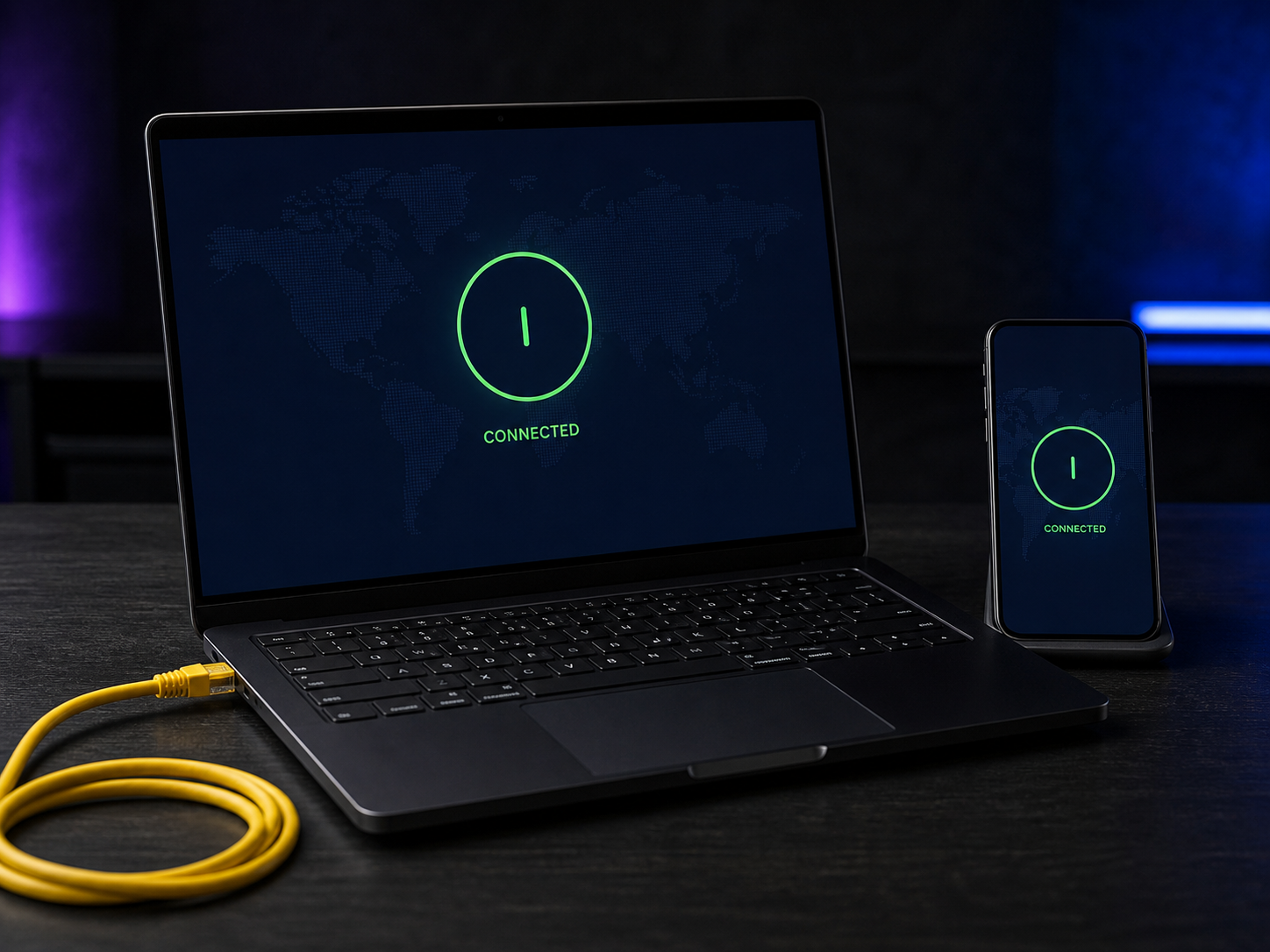
Know when a VPN earns a place in the stack.

Map the trust shift, examine provider claims, choose a protocol, and verify the actual connection on your own device.

Read guide